Deploy models where you need them.
Koios runs your models, your Python and your control logic next to the equipment. One container, on edge hardware, a level 2 server or a VM, connected or fully air-gapped.
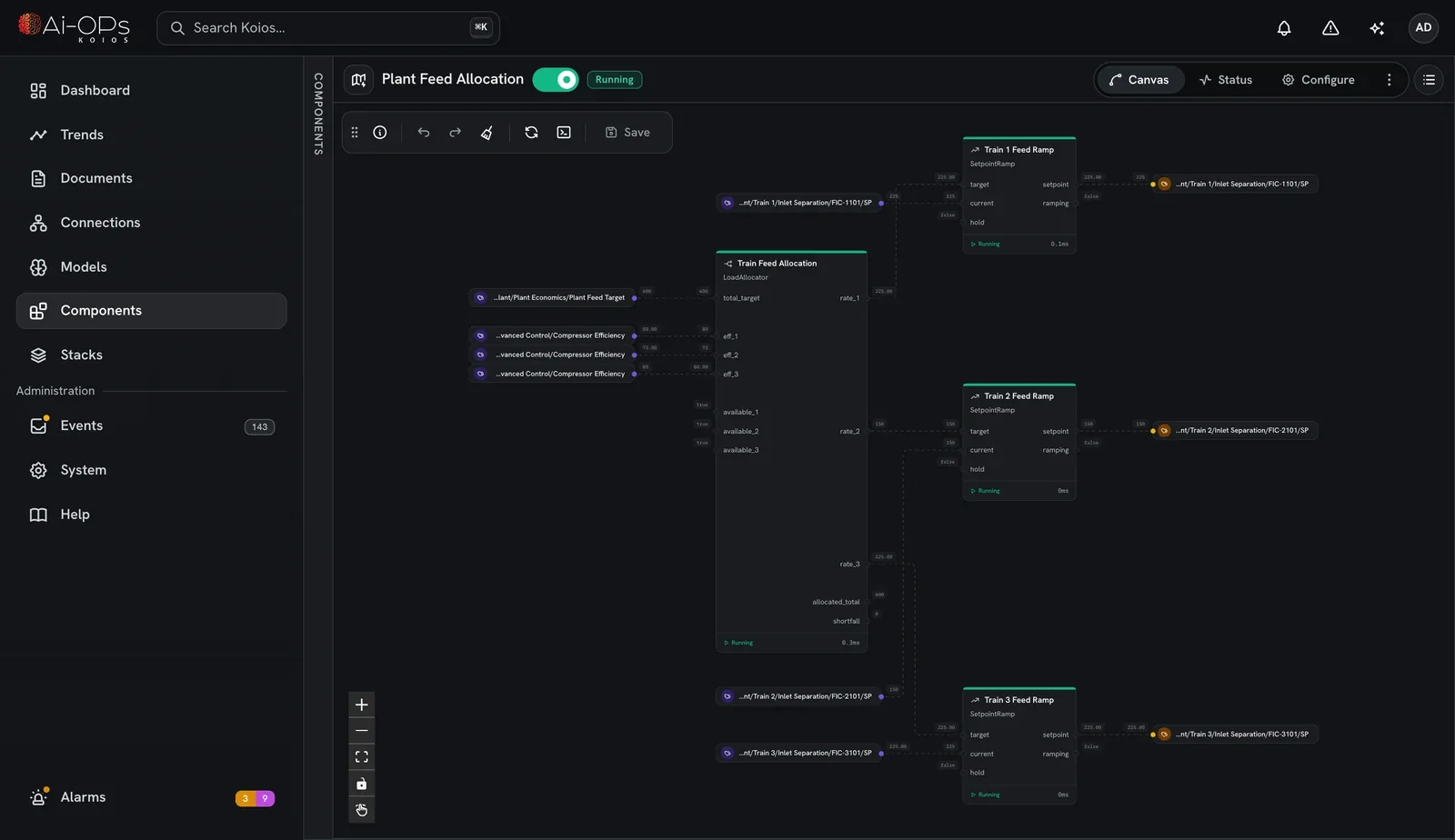
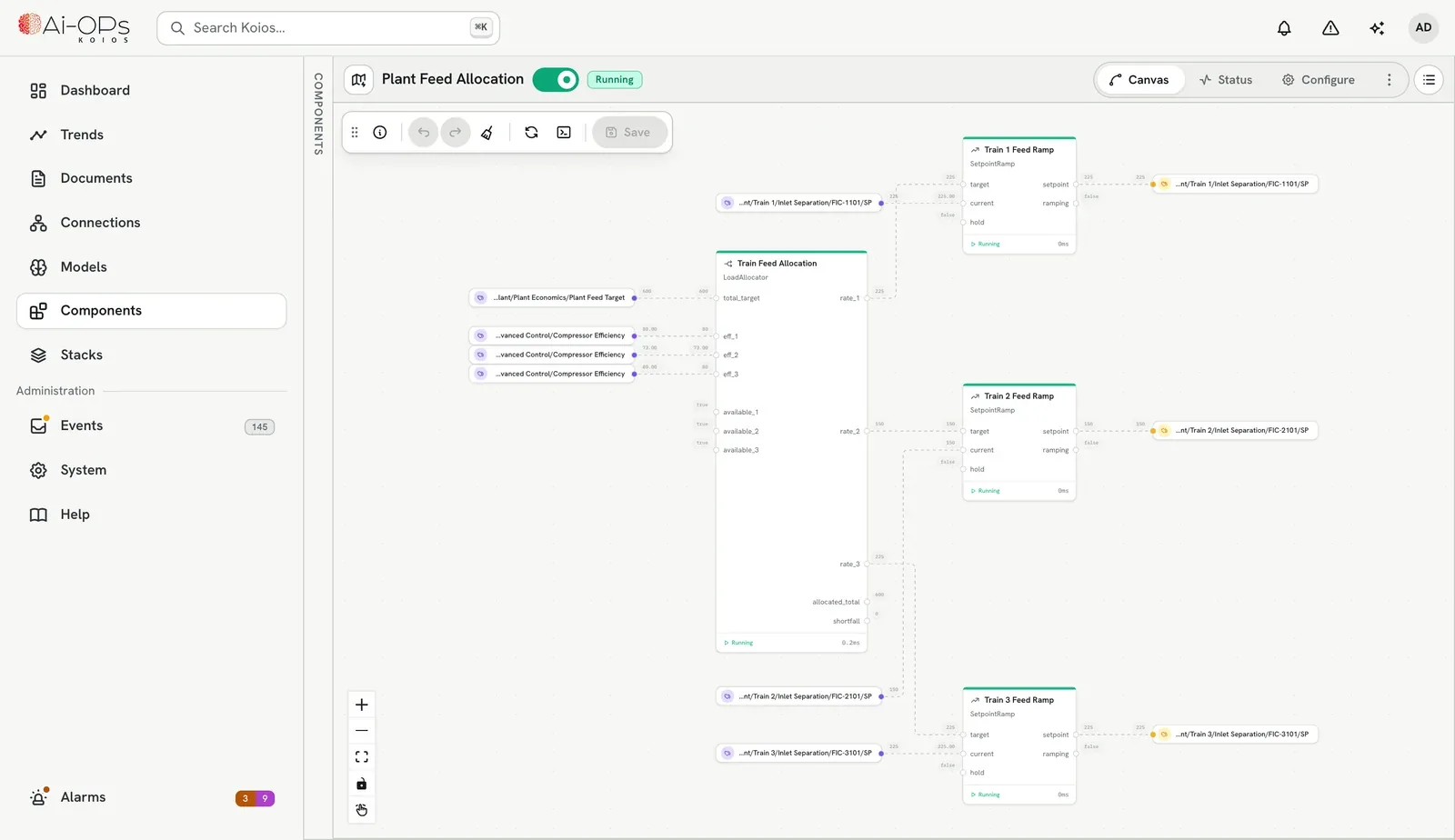
Same Koios, whichever box you give it.
Models, Python and control logic move between hosts unchanged. Pick the one that sits closest to the loop it serves.
In the cabinet
An industrial PC or ARM board next to the PLC, for the loops that can't wait on a network.
amd64 · arm64On a server
Next to SCADA, close enough to drive supervisory control across a unit.
bare metalOn your hypervisor
Hyper-V or whatever IT already runs. The usual choice, and easy to resize.
Hyper-V · VMwareIn the cloud
When the data already lives there and nothing needs a hard real-time loop.
any cloud VMUbuntu Server and Docker on every one. The installer carries both, so no internet is needed.
Reads from and writes to the controllers you already have.
Browse a device, pick the tags, name them and set their ranges, then review the batch before anything is created. Nothing is rewired and nothing replaces your control system.
PLCs, SCADA and historians, set up in four guided steps with server discovery.
Logix, generic CIP devices from their EDS file, SLC 500 and MicroLogix.
Meters, drives, sensors and simple controllers.
Tables you already keep, read and written as tags.
Building systems, web services and anything else with an API.
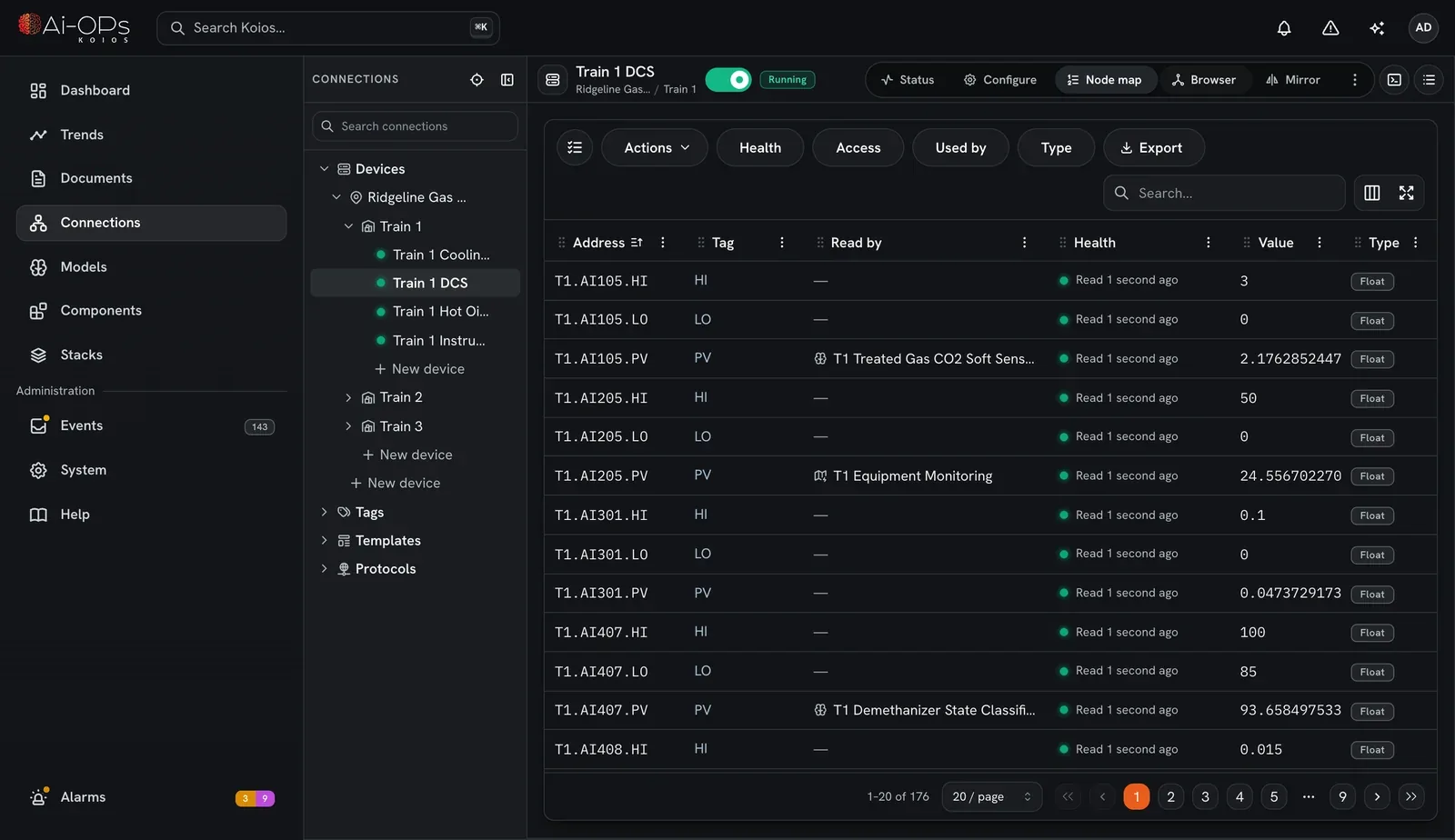
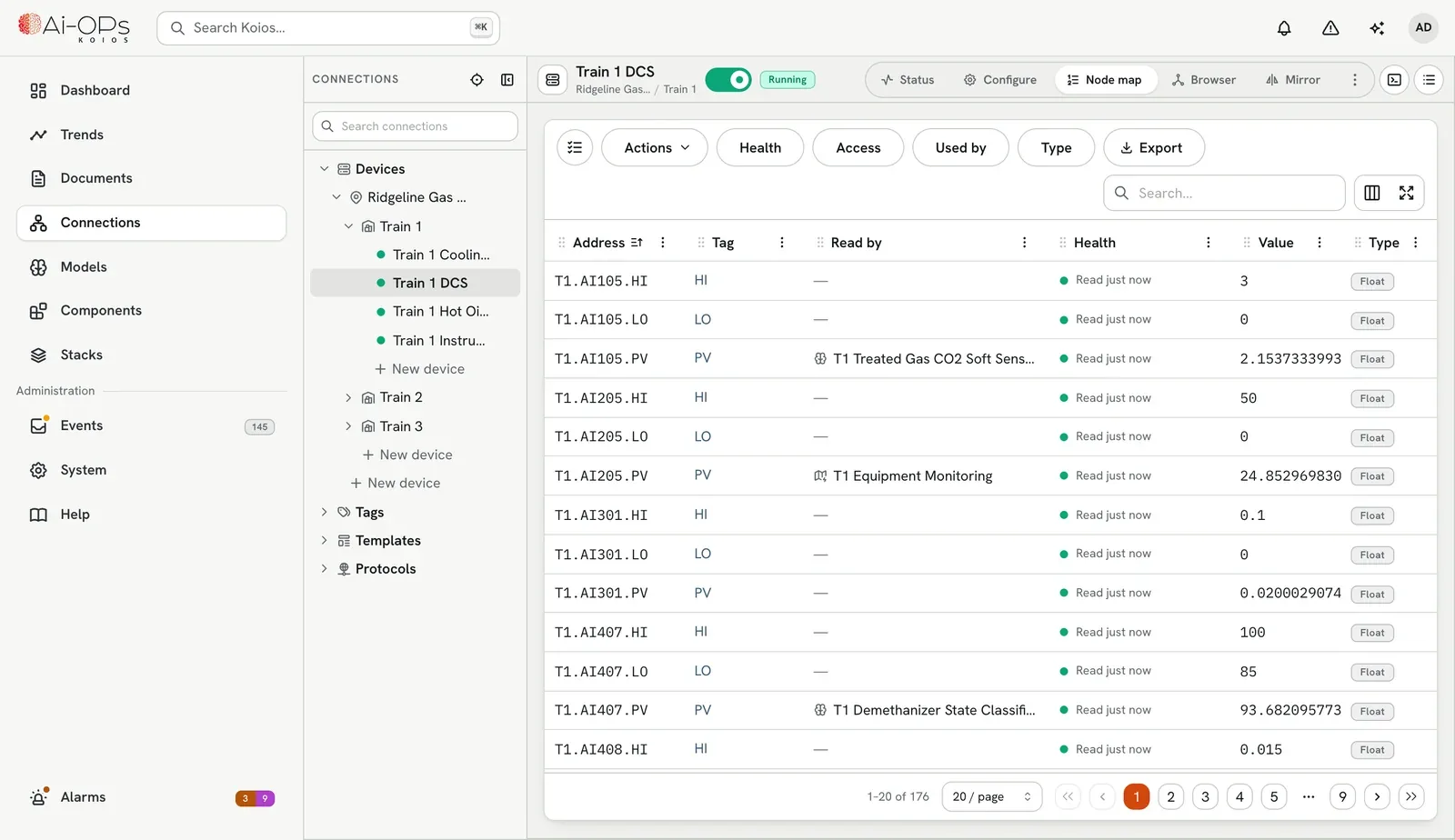
Bring a model. It runs every scan.
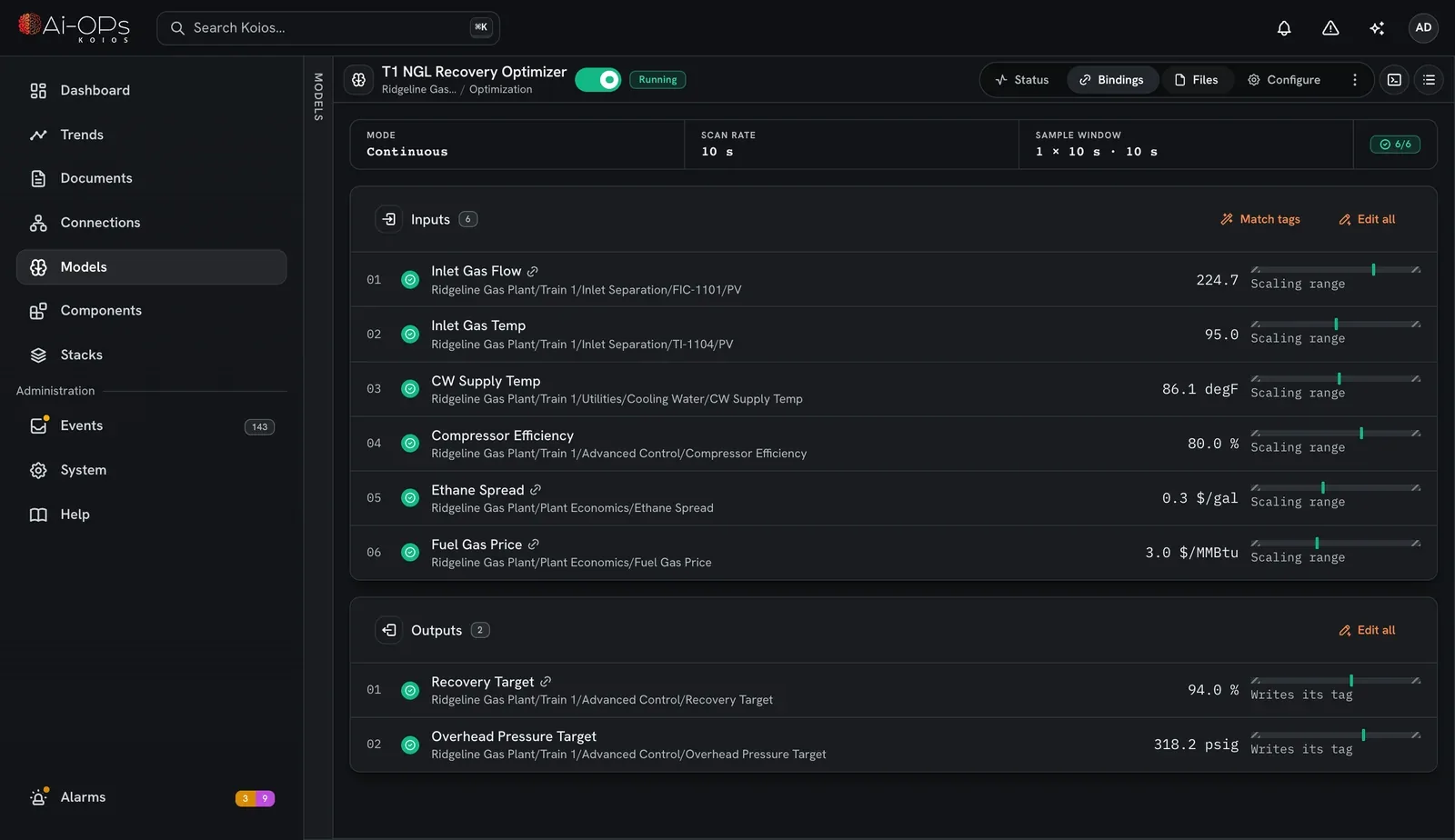
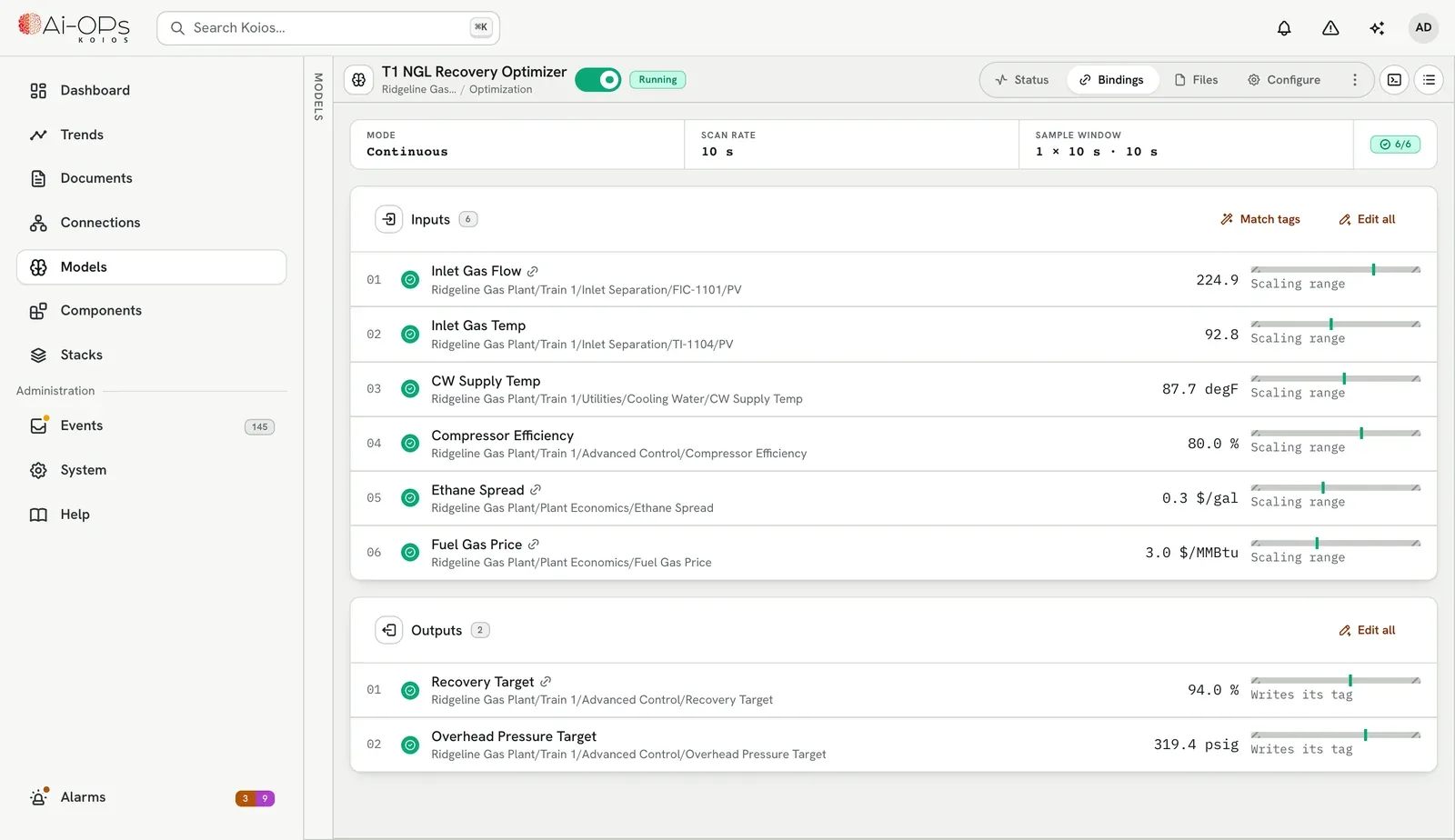
Upload an ONNX or TensorFlow Lite file from Ronin or from your own tools, bind its inputs and outputs to tags, and switch it on. Upload a new version and switch to it without touching the bindings.
- Flat, time-series and structured inputs
- On a scan rate, on demand, or in a scan group with others
- Writing to equipment stays a person's decision
- Collect
- Calibrate
- Normalize
- Infer
- Denormalize
- Write
Your own Python, in the live loop.
The code an APC engineer would run in a notebook, running on live tags instead. MPC, linear optimization, a soft sensor from your data science pipeline, or a state machine for a batch. Write it once, and it runs every scan.
from koios_component_builder import Component, Input, Outputimport numpy as npfrom scipy.optimize import minimizeclass LevelMPC(Component):"""Holds a tank level with a short prediction horizon."""level: Input[float] = Input(default=0.0)target: Input[float] = Input(default=0.0)inflow: Input[float] = Input(default=0.0)valve_sp: Output[float] = Output(default=0.0)def setup(self) -> None:self.prev = np.zeros(10)def execute(self) -> None:def cost(u):lvl = self.level + np.cumsum(self.inflow - u)return np.sum((lvl - self.target) ** 2) + 0.1 * np.sum(np.diff(u) ** 2)res = minimize(cost, self.prev, bounds=[(0, 100)] * 10)self.prev = res.xself.valve_sp = float(res.x[0])
- 01
Write it
In your own IDE, with the Component Builder from PyPI. Typed inputs and outputs, an optional setup() and execute().
- 02
Package it
The builder's command line turns the folder into a .kcl library, one file to carry to the site.
- 03
Upload it
Each upload is a new version. A version whose security audit finds anything high-risk installs inactive until you review it.
- 04
Wire it
Drop it on the canvas and wire its pins to tags, models or other components. It runs at the environment scan rate.
Your Python packages, kept separate
Bring the packages your pipeline already uses. Each environment gets its own versions, without affecting anything else on the server.
See every pin live
Watch each input and output update on the canvas while it runs, so commissioning is watching, not guessing.
The basics are built in
Counters, timers, latches, deadbands, scaling and alarms ship in the core library, ready to wire alongside your own.
Made to live behind your firewall.
Runs without the internet
Install from one file that carries everything, carry models in as files, and activate the license offline.
Every change on record
A tamper-evident audit log keeps who changed a setting, signed in or wrote a value, and when. It can't be edited or cleared.
A role for everyone
Operator, Engineer and Administrator come built in, and you can make your own. Each person gets what their roles allow, and nothing more.
One readable event feed
Device, tag, model and component activity in one feed, with acknowledgement and muting.
Put Koios next to one loop and watch it.
Pull the image onto a spare machine, connect it to one controller, and see what a model does with your own tags.